
前回PDFのコピーがsimulatorではできるけど、実機ではできないというエラーが出た話をしましたが、解決しました。
buildの際に警告が出てFileManagerの操作がiOS14でdeprecatedされているというものが出ていました。その警告をググると以下のサイトがヒットしました。
Initialization of UIDocumentPickerViewController in iOS 14
その通りに設定したら今度はiCloudのファイルでも問題なく自分のAppのフォルダにコピーできました!
動いたコードは以下です。10、23、24行目が変更点でした。
import UniformTypeIdentifiers

let supportedTypes: [UTType] = [UTType.pdf]
        let picker = UIDocumentPickerViewController(forOpeningContentTypes: supportedTypes, asCopy: true)
//
// SelectPDF.swift
// bFaaaPSwitch1
//
// Created by 宍戸知行 on 2020/12/05.
//
import SwiftUI
import MobileCoreServices
import UniformTypeIdentifiers
struct DocumentPicker :UIViewControllerRepresentable {
@Binding var urlString:String
@Binding var filename:String
func makeCoordinator() -> DocumentPicker.Coordinator {
return DocumentPicker.Coordinator(parent1: self)
}
func makeUIViewController(context: UIViewControllerRepresentableContext<DocumentPicker>) -> UIDocumentPickerViewController {
let supportedTypes: [UTType] = [UTType.pdf]
let picker = UIDocumentPickerViewController(forOpeningContentTypes: supportedTypes, asCopy: true)
picker.allowsMultipleSelection = false
picker.delegate = context.coordinator
return picker
}
func updateUIViewController(_ uiViewController: UIDocumentPickerViewController, context: UIViewControllerRepresentableContext<DocumentPicker>) {
}
class Coordinator: NSObject, UIDocumentPickerDelegate{
var parent: DocumentPicker
init(parent1: DocumentPicker){
parent = parent1
}
func documentPicker(_ controller: UIDocumentPickerViewController, didPickDocumentsAt urls: [URL]) {
print(urls)
print(urls.first!)
self.parent.urlString = urls.first!.absoluteString
self.parent.filename = String(urls.first!.lastPathComponent)
//アプリフォルダにこの時点で保存コピーする
do {
let documentsURL = try
FileManager.default.url(for: .documentDirectory,
in: .userDomainMask,
appropriateFor: nil,
create: false)
print("documentsURLは\(documentsURL)")
let savedURL = documentsURL.appendingPathComponent(
"\(String(urls.first!.lastPathComponent))")
let encodedSavedURLpath = savedURL.path.addingPercentEncoding(withAllowedCharacters: NSCharacterSet.urlQueryAllowed)
print("encodedSavedURLpathは\(String(describing: encodedSavedURLpath))")
if FileManager.default.fileExists(atPath: encodedSavedURLpath!) {
try FileManager.default.removeItem(atPath:encodedSavedURLpath!)
print("There is an already file at the encodedSavedURLpath and the file is deleted.")
}
try FileManager.default.copyItem(atPath:urls.first!.path, toPath:encodedSavedURLpath!)
print("the selected file has been copied.")
//UserDefaultsに値を保存
UserDefaults.standard.set(urls.first!.absoluteString, forKey: "urlString")
}catch let error as NSError {
print("Couldn't copy file to final location! Error:\(error.description)")
}
}
}
}
Githubにもprojectを追加しておきました。
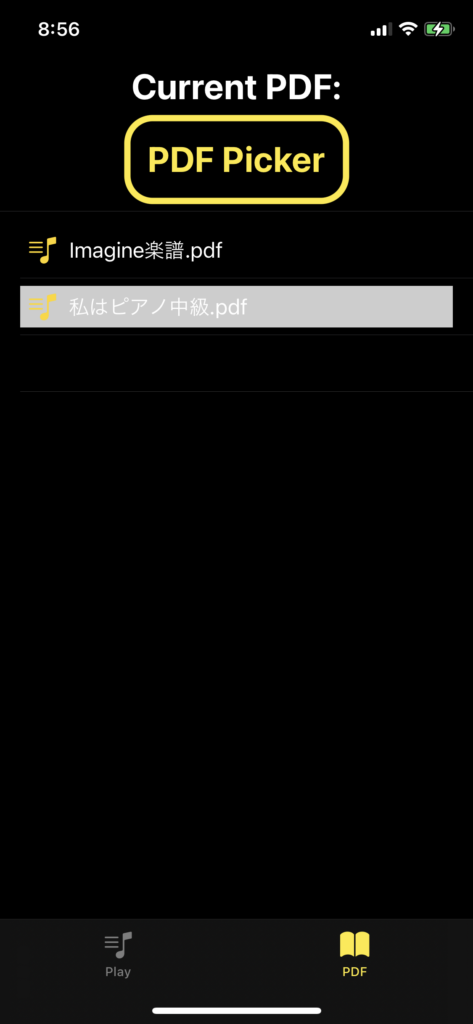
実際の画面はこんな感じですよ。
コメント